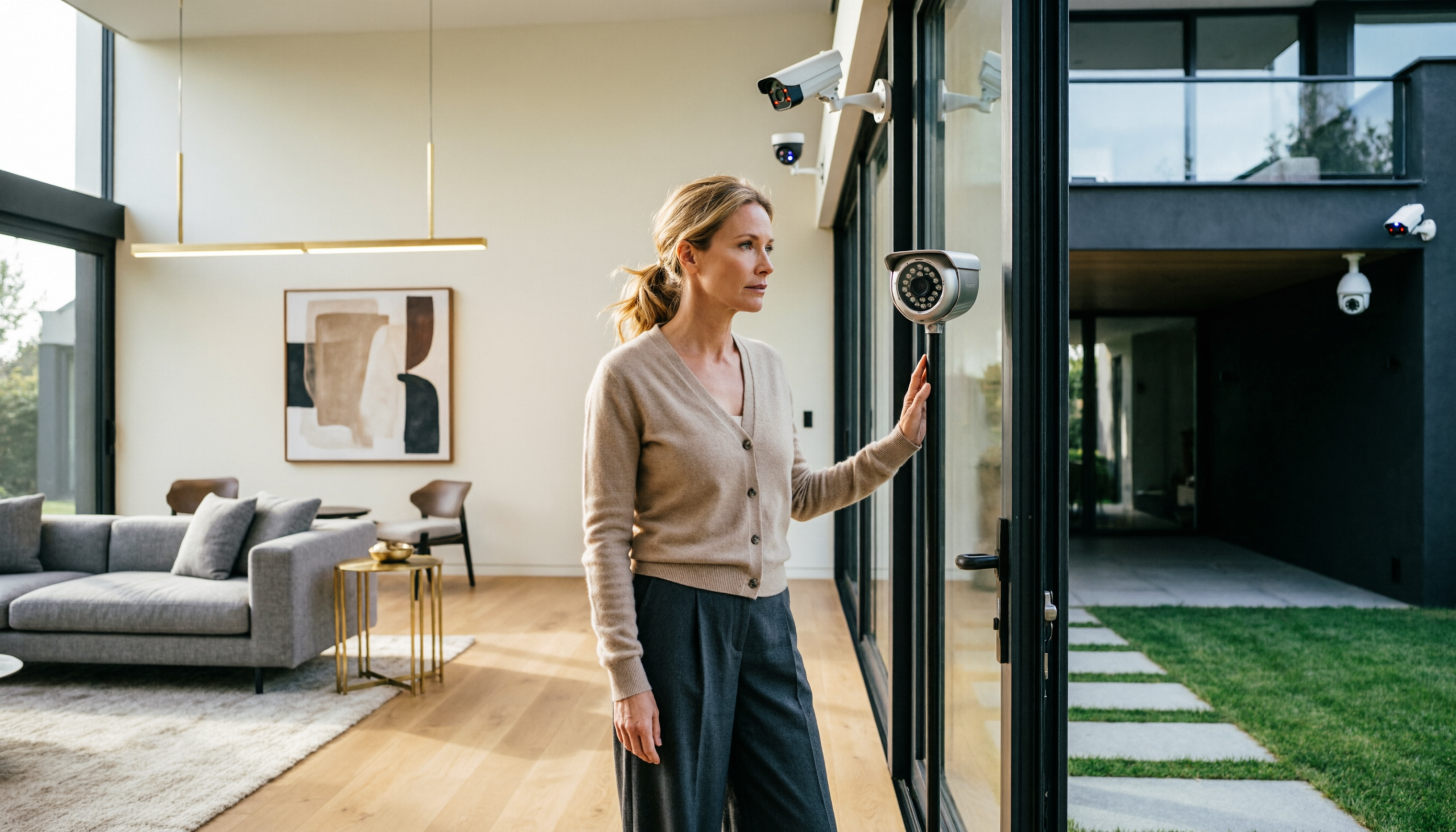
Why Doorbell Cameras Are Not Always Enough for Large Properties
Doorbell cameras protect the entrance but rarely cover an entire large property. Blind spots, limited viewing angles, distant outbuildings, and unreliable connectivity can leave important areas unmonitored, requiring a broader security system.
The Short Answer
Doorbell cameras work well for monitoring visitors, deliveries, and activity immediately outside the front door. Large properties often need wider coverage across driveways, side entrances, gardens, garages, and detached buildings.
Combining doorbell cameras with strategically positioned security cameras, suitable lighting, and reliable network connections creates more complete property surveillance.
Why This Problem Happens
A doorbell camera serves a specific purpose: monitoring activity near an entrance. Problems arise when homeowners expect a single device to protect a much larger area.
1. Limited Viewing Angles Create Blind Spots
Most doorbell cameras prioritize the doorstep, front path, and nearby visitors. Walls, pillars, hedges, parked vehicles, and architectural features can obstruct the view.
A long driveway may extend well beyond the camera’s useful viewing range. Side entrances and rear gardens can remain completely outside the field of view.
Practical consequence: Activity can occur elsewhere on the property without appearing in doorbell footage.
2. Distance Reduces Useful Detail
A camera may capture movement without recording enough detail to identify a person or distinguish a small object. Image resolution, lighting, lens design, and distance all affect usable footage.
A visitor standing near the front door may appear clearly, while a person near a distant gate may appear as a small, indistinct figure.
Practical consequence: Recorded footage may show that activity occurred without providing enough detail to explain what happened.
3. Large Properties Have Multiple Access Points
Many homes have more than one vulnerable entrance. Side gates, garage doors, service entrances, garden paths, and rear doors may provide access away from the front door.
A doorbell camera cannot monitor every entrance unless the property layout happens to place all relevant activity within its field of view.
Practical consequence: Security coverage remains incomplete even when the front entrance has excellent video quality.
4. Connectivity and Power Limit Performance
Wireless cameras depend on adequate network coverage, while battery-powered models require regular charging. Thick walls, metal gates, detached garages, and long distances can weaken wireless signals.
Some cameras also rely on cloud services for video storage or remote access. Network interruptions can affect alerts, live viewing, and recording features, depending on the device and its storage configuration.
Practical consequence: A camera positioned at the perfect location may still perform poorly when connectivity or power proves unreliable.
5. A Single Camera Cannot Monitor Every Direction
Doorbell cameras generally point toward the immediate entrance area. Monitoring a large property requires attention to several directions and different types of activity.
A front-facing camera may record visitors approaching the door but miss movement along the boundary wall or behind a detached garage.
Practical consequence: A working doorbell camera can create a false sense of complete security when substantial areas remain unobserved.
How to Diagnose the Problem
A simple property coverage audit reveals whether a doorbell camera provides enough protection or requires additional support.
Step 1: Map Every Important Area
Sketch the property and mark the front door, driveway, gates, side entrances, garage, rear garden, and detached buildings.
Circle the areas currently visible through the doorbell camera. Mark obstructed spaces and entrances outside the camera’s view.
Step 2: Test the Viewing Range
Ask a household member to walk through the main access routes during daylight and again after dark. Review the footage rather than relying solely on the live preview.
Check whether the camera captures useful details at the driveway entrance, gate, and other relevant distances.
Step 3: Inspect Nighttime Performance
Review footage under typical nighttime lighting conditions. Look for excessive darkness, glare from nearby lights, reflections, and poorly illuminated approaches.
Check whether infrared night vision or built-in lighting provides sufficient detail for the actual viewing distance.
Step 4: Check Connectivity and Recording
Review the camera’s connection status, alert history, recording settings, and available storage options.
Test live viewing from the usual monitoring device. Confirm whether recording continues during internet interruptions, where local recording is supported.
Step 5: Identify Uncovered Access Points
Compare the property sketch against the footage. Every important entrance without a usable camera view represents a coverage gap requiring further assessment.
The Homewardz Test
Conduct a 15-minute coverage test. Walk the driveway, side paths, rear entrance, garage approach, and boundary access points while reviewing recorded footage. Mark every location where activity disappears, becomes indistinct, or triggers no expected alert. Use the results to prioritize additional coverage.
What Makes the Problem Worse?
Poor camera placement, overgrown hedges, incorrect mounting angles, weak Wi-Fi, neglected batteries, and inadequate nighttime lighting can reduce effectiveness. Relying on motion alerts alone may also miss relevant activity. Excessive dependence on a single entrance camera leaves distant access points without meaningful monitoring.
HOW TO FIX IT
A reliable solution begins with correcting existing weaknesses before adding more equipment.
Step 1: Correct the Existing Camera Setup
Clean the lens with a suitable soft cloth, adjust the viewing angle, remove avoidable obstructions, and confirm motion detection settings.
Check mounting stability and ensure the camera captures the intended approach without unnecessarily recording neighboring private spaces.
Improve nearby lighting when nighttime footage lacks useful detail. Verify network strength at the camera’s actual mounting position rather than relying on router proximity alone.
Step 2: Build a Layered Security System
Add dedicated security cameras where the coverage audit reveals meaningful gaps.
- Driveway: Position a camera to monitor vehicles and approaching pedestrians.
- Side entrances: Cover gates, service doors, and narrow access paths.
- Rear garden: Monitor vulnerable doors and approaches hidden from the street.
- Garage or detached building: Consider a suitable camera with reliable power and network access.
- Property boundary: Assess cameras or other appropriate security measures where boundary activity presents a genuine concern.
Choose mounting positions that overlap important viewing areas without creating unnecessary duplication. A dedicated camera should serve a clear purpose rather than simply increase the number of devices.
Step 3: Improve Reliability Over Time
Use suitable power arrangements, reliable network coverage, and appropriate video storage. Consider wired Ethernet or Power over Ethernet (PoE) cameras where cable installation is practical.
For distant buildings, assess the available network options before purchasing equipment. A wireless camera cannot overcome every connectivity problem through software settings alone.
Schedule routine checks of recording, notifications, camera alignment, and nighttime performance. Review footage periodically to confirm that the system continues to meet household needs.
When a Product Solution Makes Sense
Additional hardware becomes useful when property layout, distance, or multiple entrances prevent a doorbell camera from providing sufficient coverage.
A dedicated outdoor security camera makes sense when a driveway, gate, garage, or rear entrance remains outside the doorbell camera’s effective viewing area. Wired systems may suit larger properties where dependable connectivity and continuous recording matter.
For properties with several access points, compare complete camera systems rather than choosing individual devices solely on advertised resolution.
See the related comparison: Best Video Intercom Systems for Large Properties for a broader assessment of entrance communication and monitoring options.
Preventing the Problem from Returning
Effective property surveillance requires ongoing attention rather than a one-time installation.
- Monthly: Check camera views, recording availability, motion alerts, and visible lens obstructions.
- Seasonally: Trim vegetation, inspect mounting brackets, and review changes caused by landscaping or construction.
- After network changes: Test every camera and confirm reliable remote access.
- For battery-powered devices: Monitor battery levels and establish a practical charging schedule.
- During nighttime checks: Confirm adequate illumination and review image clarity across important access routes.
- After household changes: Reassess coverage when adding a gate, shed, garage, or new entrance.
Early warning signs include repeated offline notifications, unexplained recording gaps, persistent false alerts, and newly obstructed views.
The Checklist
| Problem | Likely Cause | Test | Correction | Prevention |
|---|---|---|---|---|
| Distant activity appears unclear | Limited useful viewing range | Review footage at different distances | Add a suitably positioned camera | Reassess coverage after layout changes |
| Side or rear entrances remain unmonitored | Narrow field of view | Walk every access route | Install dedicated coverage where needed | Review all entrances monthly |
| Alerts or recordings fail | Weak connectivity, power, or incorrect settings | Test connection and playback | Correct network, power, or recording settings | Schedule regular system checks |
FAQs
1. Can a doorbell camera monitor a driveway?
A doorbell camera can monitor part of a driveway when the viewing angle, distance, lighting, and image quality allow. Long driveways often require a dedicated camera positioned closer to the vehicle entrance for more useful footage.
2. Are wired security cameras better for large properties?
Wired cameras can provide dependable connectivity and continuous power, depending on the installation.
Ethernet and PoE systems can suit larger properties, although cable routing, installation costs, and the distance between buildings require careful planning. Wireless systems remain useful when reliable signal coverage is available.
3. How many security cameras does a large property need?
The required number depends on property size, access points, obstacles, lighting, and the level of detail needed. Start with a coverage map, identify important blind spots, and position cameras according to specific monitoring needs rather than choosing a fixed number based on land area alone.
To Wrap It Up
Doorbell cameras remain valuable for monitoring visitors and activity near the front entrance, but large properties demand a broader approach. Mapping access points, testing footage, correcting connectivity problems, and adding dedicated cameras where necessary creates more dependable coverage. The best security setup addresses real blind spots without adding unnecessary equipment or complexity.