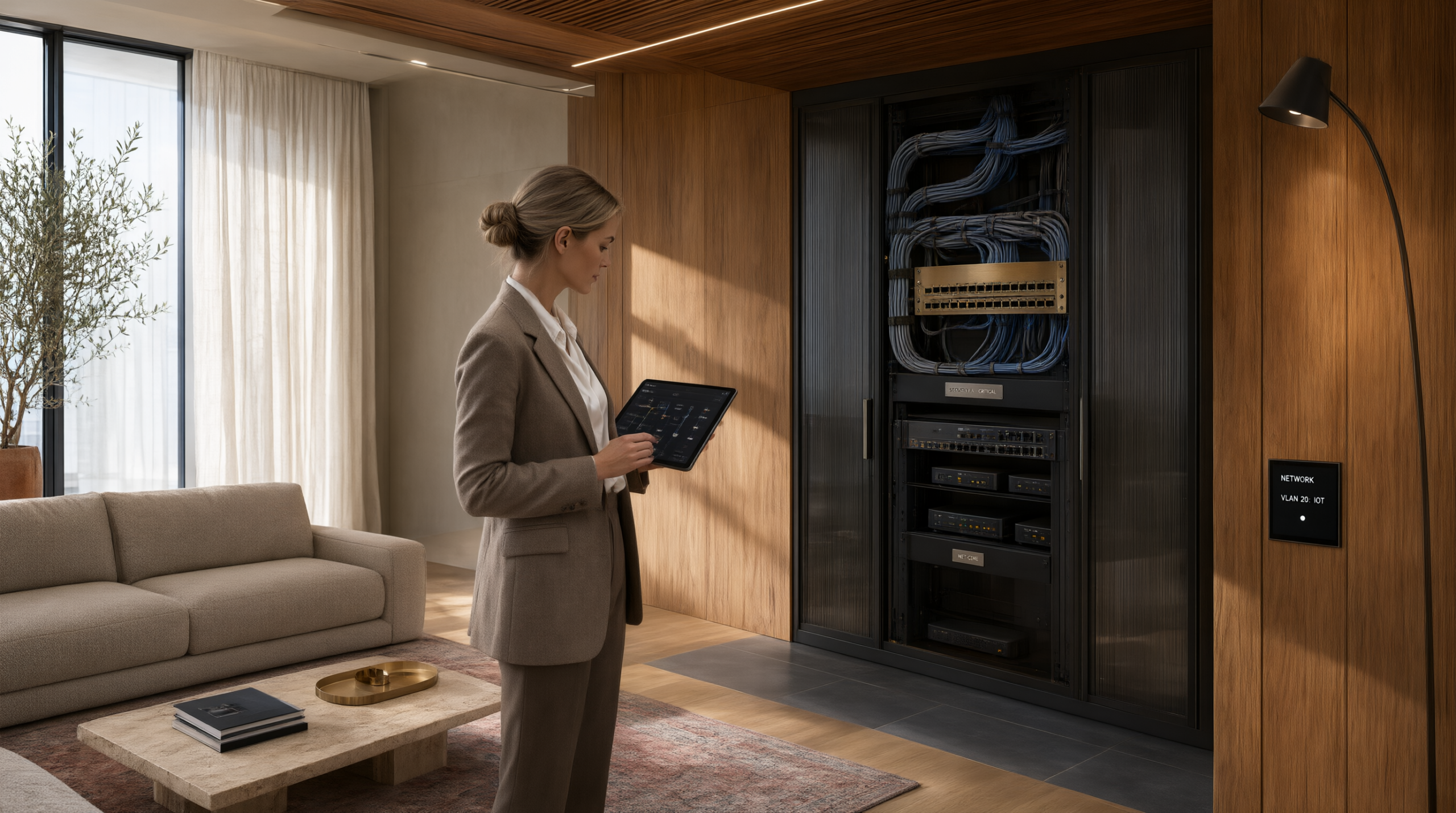
Designing Network Segmentation for Household Technology
Network segmentation separates household devices into distinct network groups, limiting unauthorized access, reducing security risks, and improving traffic management. Proper separation protects personal data while keeping smart home technology reliable.
The Short Answer
Designing network segmentation for household technology means dividing a home network into separate groups for trusted computers, smart home devices, visitors, and security equipment.
A properly configured router, managed switch, or compatible Wi-Fi access point can enforce these boundaries, reducing unnecessary communication between devices and limiting the damage caused by compromised equipment.
Why This Problem Happens
A modern household can contain dozens of connected devices, from laptops and televisions to smart plugs, cameras, printers, and voice assistants. Placing every device on one unrestricted network creates avoidable security and management problems.
Cause 1: Every Device Shares the Same Network
Many standard home routers connect all wireless and wired devices to one local network. A compromised smart plug or television may gain opportunities to communicate with other devices on the same network, depending on their security settings.
Cause 2: Smart Home Devices Receive Limited Security Updates
Some connected appliances receive infrequent firmware updates or remain in service long after manufacturer support ends. Weak passwords, outdated software, and unnecessary network services increase exposure to attacks.
Cause 3: Guest Access Extends Beyond the Intended Audience
Sharing the primary Wi-Fi password with visitors gives temporary users access to the same wireless network as household devices unless the router applies isolation rules. A dedicated guest network limits unnecessary access.
Cause 4: Security Cameras and Controllers Need Different Access Rules
Internet-connected cameras, doorbells, and automation hubs often require communication with mobile applications, cloud services, or local controllers. Broad network permissions can expose unrelated household equipment.
Cause 5: Poor Network Hardware Limits Control
Basic routers may offer guest Wi-Fi but lack configurable virtual local area networks (VLANs), inter-network firewall rules, or detailed device isolation. Without suitable hardware and configuration, meaningful segmentation becomes difficult.
How to Diagnose the Problem
Network segmentation begins with a practical audit of connected equipment, network settings, and communication requirements.
Step 1: Inventory connected devices.
Record computers, phones, televisions, printers, smart appliances, cameras, voice assistants, network storage, and guest devices. Identify equipment that stores sensitive information or controls household access.
Step 2: Inspect router settings.
Check for guest Wi-Fi, client isolation, VLAN support, firewall controls, and separate wired or wireless network options. Confirm whether guest devices can reach the primary local network.
Step 3: Review device communication needs.
Identify which devices require local communication. A smart speaker may need access to a lighting controller, while a guest phone rarely needs access to network storage or security cameras.
Step 4: Check network boundaries.
Review the router’s connected-device list and available firewall settings. Where supported, use separate test devices to check whether an isolated network can reach a trusted computer or management interface.
Step 5: Examine performance and reliability.
Record Wi-Fi dropouts, delayed camera feeds, failed automation routines, and devices that stop responding after network changes. Segmentation should improve control without disrupting legitimate communication.
Avoid assuming that separate Wi-Fi names automatically create secure boundaries. The router must enforce the intended separation.
The Homewardz Test
Create a device inventory and assign every connected item to a proposed group: trusted, smart home, security, guest, or network management. Check whether any group contains devices with conflicting access needs. A clear inventory exposes unnecessary connections before configuration begins.
What Makes the Problem Worse?
Using the same unrestricted network for every device increases exposure. Incorrect VLAN configuration can leave supposedly isolated equipment connected.
Overly strict firewall rules may disable automation, printing, or camera access. Weak router passwords, outdated firmware, and shared administrator credentials further undermine otherwise sensible segmentation.
HOW TO FIX IT
Effective network segmentation requires a clear plan, compatible hardware, and carefully tested access rules.
Step 1: Apply Immediate Corrections
Begin with the existing router’s security features.
- Change default administrator credentials and use a strong, unique password.
- Update router firmware and enable automatic updates when supported.
- Create a guest Wi-Fi network with access to the local network disabled.
- Enable WPA2-AES or WPA3 security, depending on device compatibility.
- Remove obsolete devices and disable unnecessary remote administration.
These measures improve basic security without requiring a complete network replacement.
Step 2: Build Separate Network Groups
For greater control, divide household technology into logical groups. A practical arrangement includes:
| Network group | Typical devices | Main access rule |
|---|---|---|
| Trusted | Personal computers, phones, tablets | Allow approved household services |
| Smart home | Smart plugs, lights, televisions, appliances | Restrict access to trusted devices |
| Security | Cameras, doorbells, alarm equipment | Allow only required controllers and services |
| Guest | Visitors’ phones and laptops | Permit internet access, block private networks |
| Management | Router, managed switches, access points | Restrict administration to authorized devices |
A separate security VLAN can be valuable for households with many cameras or sensitive monitoring equipment. Smaller homes may achieve sufficient separation through a well-configured guest network and compatible IoT isolation features.
Configure VLANs on compatible managed switches, routers, and wireless access points. Matching VLAN settings across connected equipment is essential.
Step 3: Establish Firewall Rules
Segmentation becomes meaningful when firewall rules control communication between groups.
Start with a deny-by-default approach for traffic between separate network groups, then allow only required connections. For example, permit a trusted phone to reach a camera controller without granting every smart device access to the phone.
Account for DNS, DHCP, internet access, and required controller traffic. Some smart home systems rely on multicast discovery protocols such as mDNS. Carefully configured relays or gateways may be necessary when services operate across VLANs.
Avoid allowing unrestricted traffic between groups simply to resolve a setup problem. Identify the required service and create the narrowest practical rule.
Step 4: Test Every Important Function
After configuration, verify internet access, smart lighting, camera viewing, printing, casting, and automation routines. Confirm that guest devices cannot access private computers or management interfaces.
Keep a record of firewall rules and retain a recovery method before changing critical network settings.
When a Product Solution Makes Sense
A hardware upgrade becomes useful when the existing router cannot enforce the required network boundaries. A managed Ethernet switch supports VLAN separation across wired devices, while a VLAN-capable router provides routing and firewall control between groups.
Compatible wireless access points can assign Wi-Fi networks to specific VLANs. However, a managed switch alone cannot provide complete segmentation if the router cannot route between VLANs securely.
A small household may need only a router with guest networking and IoT isolation. Larger homes with network storage, multiple access points, cameras, and automation hubs may benefit from a coordinated router, managed switch, and access-point system.
For equipment selection, consult a related buying guide such as Best Network Switches for Smart Homes.
Preventing the Problem from Returning
Network security requires ongoing maintenance rather than a one-time configuration.
- Monthly: Review connected devices and investigate unfamiliar entries.
- Quarterly: Check firmware updates, administrator access, and firewall rules.
- After adding equipment: Assign each device to the correct network group before enabling routine use.
- Annually: Review whether outdated devices need replacement and whether the network still meets household requirements.
Use unique administrator credentials, disable unused services, and maintain a current network diagram. Watch for unexplained device connections, unexpected configuration changes, and repeated connection failures.
A simple written record of network names, VLAN identifiers, reserved IP addresses, and approved firewall rules makes troubleshooting more manageable.
The Checklist
| Problem | Likely cause | Test | Correction | Prevention |
|---|---|---|---|---|
| Smart devices can reach personal computers | Shared network | Test access between device groups | Enable isolation or VLAN rules | Review boundaries quarterly |
| Guests can access private equipment | Incorrect guest settings | Test access from a guest device | Disable guest access to local networks | Share only guest credentials |
| Automation stops after segmentation | Blocked discovery or controller traffic | Test required services | Add narrowly scoped firewall rules | Document device dependencies |
FAQs
1. Does network segmentation improve Wi-Fi speed?
Network segmentation primarily improves security and traffic management rather than raw Wi-Fi speed. Separating devices does not automatically increase bandwidth.
Performance gains may occur when compatible network equipment supports better traffic control, but wireless interference, congestion, and internet capacity remain separate concerns.
2. Can smart home devices communicate across different VLANs?
Yes, when the router permits specific traffic between VLANs and the required services can cross network boundaries.
Firewall rules, multicast discovery settings, and controller permissions may need adjustment. Allow only necessary communication rather than opening unrestricted access between groups.
Is a managed switch necessary for household network segmentation?
No. A router with guest networking or IoT isolation may provide sufficient separation for a small household. A managed switch becomes useful when multiple wired devices require VLAN assignments, especially across offices, entertainment systems, network storage, and security equipment.
To wrap it up
Designing network segmentation for household technology begins with identifying connected devices, assigning sensible network groups, and enforcing carefully controlled communication. Suitable router settings may solve basic problems, while VLAN-capable equipment supports more advanced layouts.
Regular testing, firmware maintenance, and documented firewall rules keep household technology organized, accessible, and better protected as the network grows.